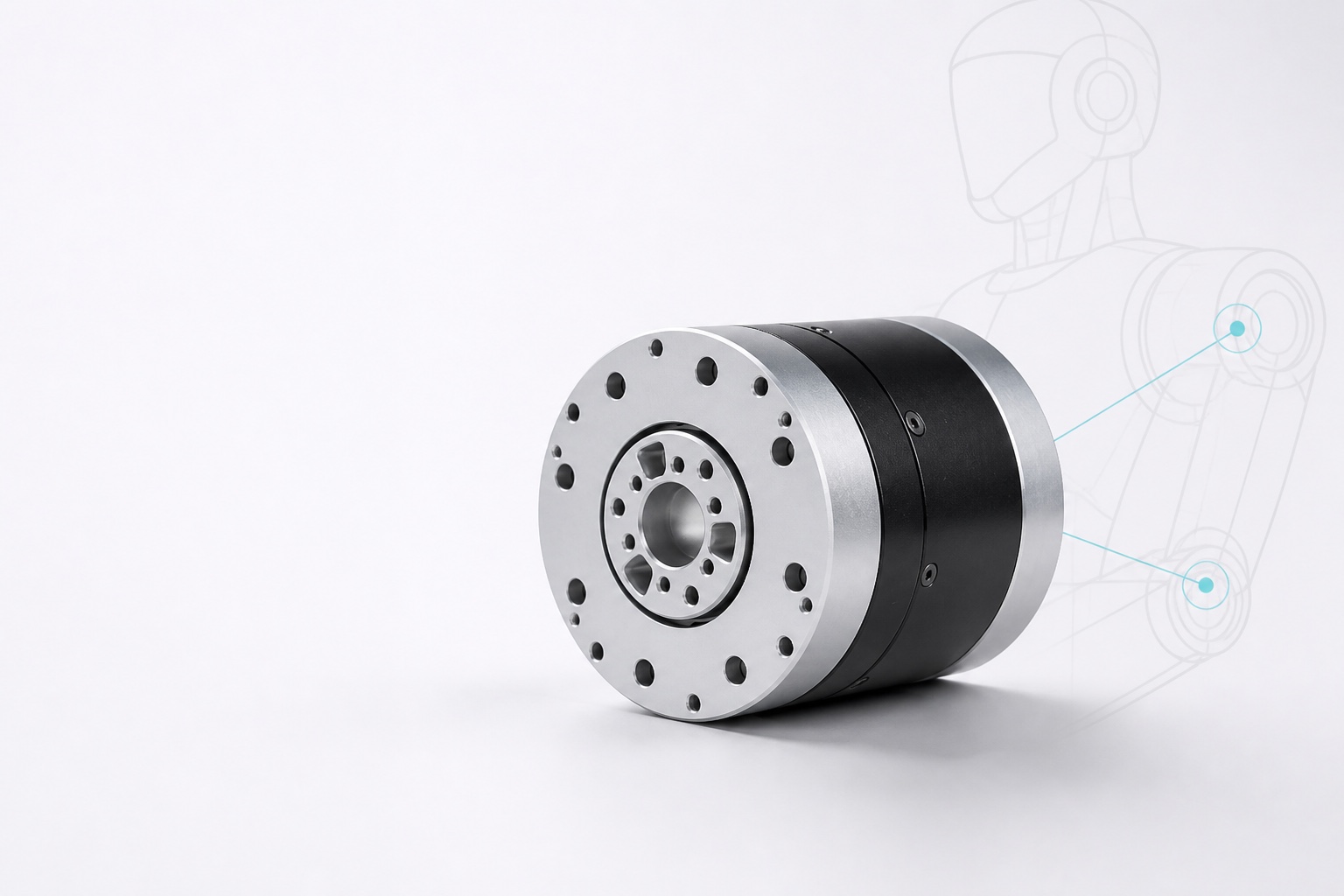
ROBOT JOINT SELECTION & CUSTOM ENGINEERING
Select a joint module—or carry the same requirements into custom engineering review.
Compare indexed joint modules and carry torque, speed, package, interface and documentation requirements into engineering review for research, prototype and OEM robot programs.
Initial matches are screening candidates. Engineering confirmation is required before quotation, controlled file release or final application approval.
Conceptual engineering illustration
Slide 1 of 2
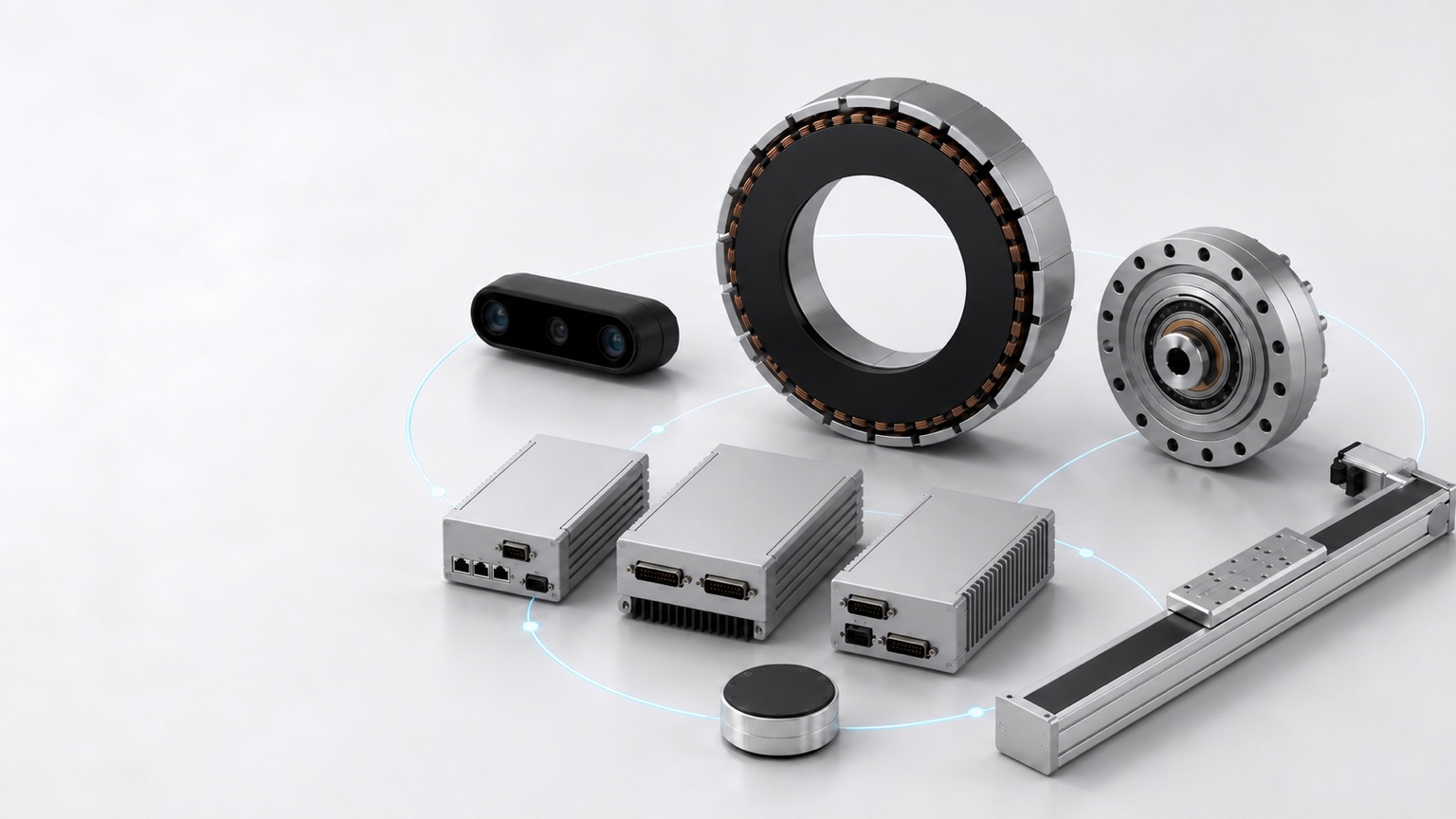
Hardware Coverage
Browse robot hardware by subsystem.
Open the relevant product categories, integration support and engineering files for each robot subsystem.
Hardware subsystem equipment linework
See hardware by applicationCurrent Platform Coverage
251
Robot hardware series
Published series available for product and RFQ review.
2,100
Published product SKUs
SKU-level product records available to review and include in an RFQ.
6,035
Engineering file records
Recorded datasheets, 2D drawings and 3D/STEP references; access varies by file.
9
Custom build options
Harness, structure and other non-standard work defined by drawings and interfaces.
11
Subsystem support packages
Power, sensing, control and other integration support scopes.
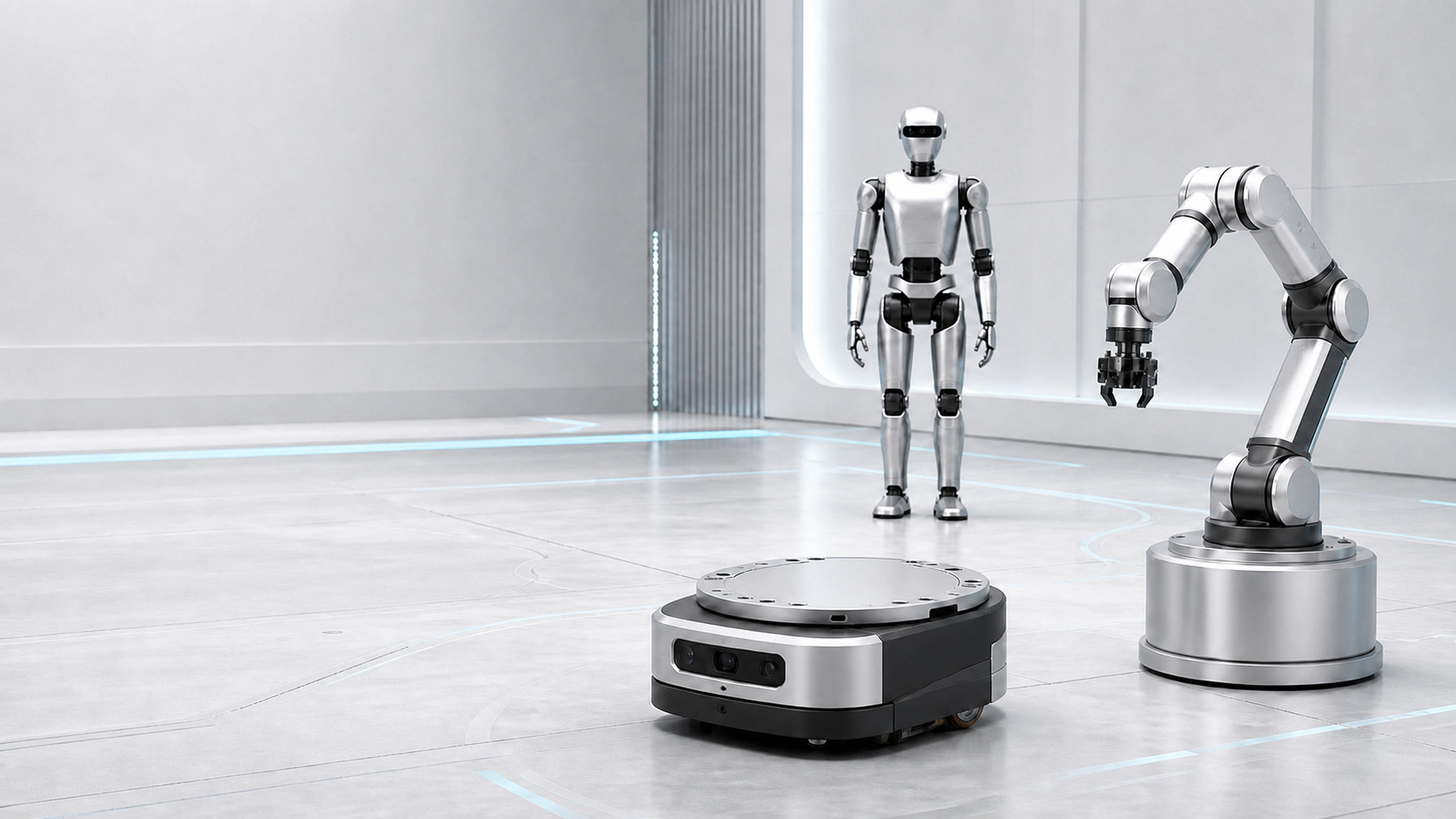
Applications
See how hardware choices map to your robot application.
Conceptual robot application ecology
Featured Robot Platforms
Project Support
Not sure whether you need a catalog part, custom build or subsystem support?
Send the robot application, key interfaces, drawings you have and required files. Sales engineering will identify missing inputs and the next quotation step.
Featured Product Categories
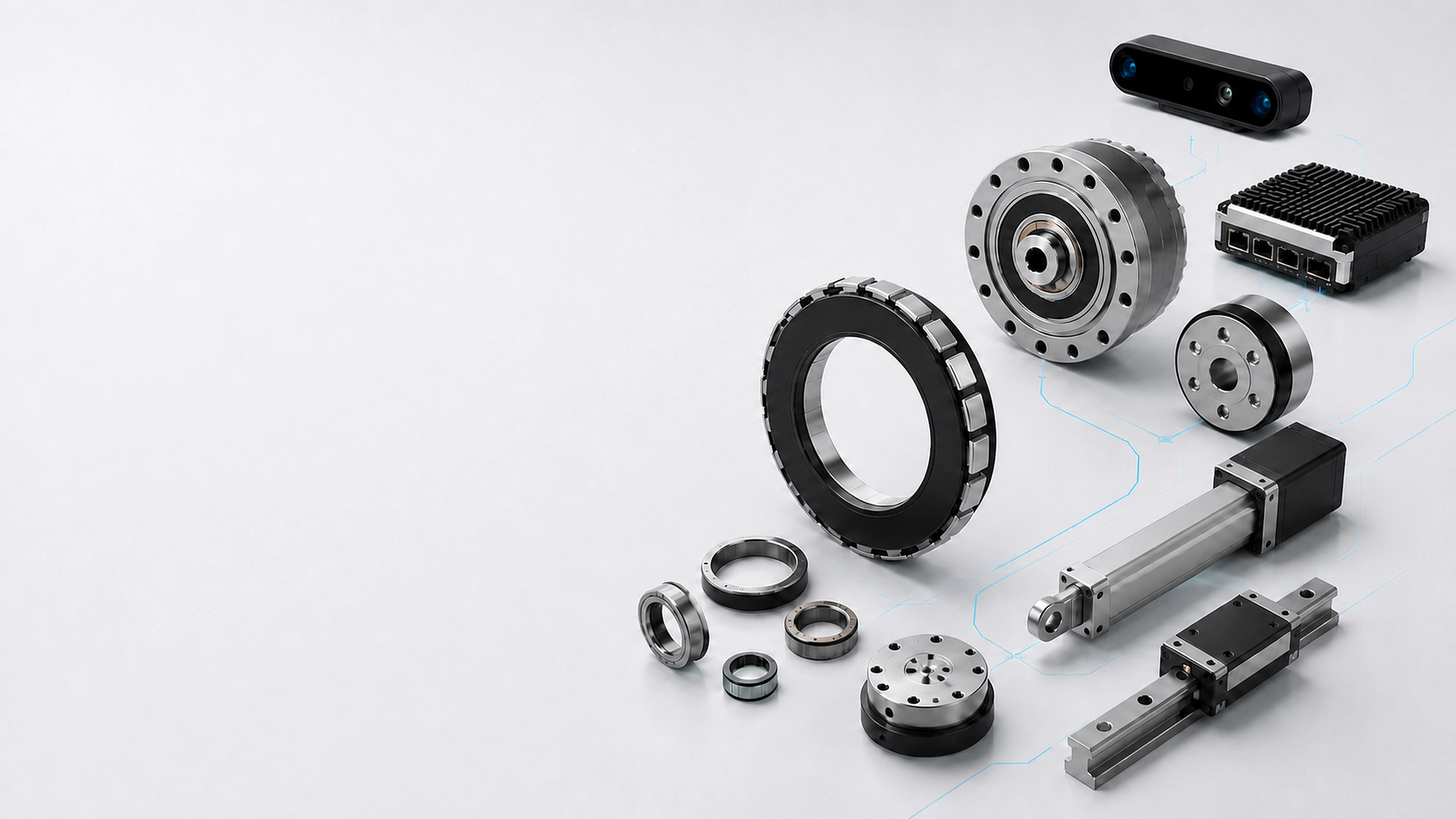
Browse published robot hardware categories.
Start with motors, drives, reducers, linear motion, end effectors, sensing and feedback. Each category links to published series and SKUs.
Conceptual hardware family illustration
Capabilities
Request custom parts or subsystem integration support.
Use custom build options when drawings, materials, connectors or prototype quantities define a part. Use integration support when a subsystem must be reviewed in the robot application.
Custom build and integration equipment linework
Custom Parts & Builds
For harnesses, structures and other parts defined by drawings, interfaces, materials and quantity.
Subsystem Integration Support
For power, sensing, control and other cross-component work that needs application, interface and document review.

Engineering Files
Get the files needed to evaluate and integrate hardware.
Product pages show safe previews and recorded file availability. Request original STEP/STP, complete 2D drawings, wiring, interface or supplier-sensitive documents for manual access review; release is not automatic.
Conceptual engineering file request and review
What you can expect
- 01Review public informationUse safe product-page previews
- 02Check file availabilityRecorded files may require a request
- 03Request required filesInclude the product and project context
- 04Receive an access decisionControlled files are released only after review
- Public Previews
- Product-page 3D previews, parameter summaries and low-risk 2D views.
- Controlled File Access
- Original STEP/STP, complete drawings and sensitive records require review.
- Project Context
- Include the SKU, custom part or subsystem that the files must support.
- Manual Access Review
- Recorded availability does not grant instant access to controlled files.
Compliance & Traceability Documents
When records are available, request OEM or supplier compliance and traceability documents with the relevant product or project context.
Engineering Guides
Prepare the inputs needed to size, select and integrate robot hardware.
Request a Quote
Send one RFQ for hardware, project details and files.
Start with a product shortlist or a description of the robot. Add the application, key interfaces, quantities and documents you need; sales engineering will review the request and ask for missing details.
- Start without a complete drawing set.
- Keep product, application and file needs in one request.
- Sales engineering confirms missing inputs and the next quotation step.
project request Hardware · application · files
review Follow-up or quotation
-
01
Add products or requirementsSave catalog SKUs or describe the custom part or subsystem you need.
-
02
Describe the applicationProvide the robot platform, subsystem, operating environment and project stage.
-
03
List required documentsIdentify datasheets, wiring diagrams, interface maps, STEP/STP or compliance records.
-
04
Submit the RFQSales engineering follows up on missing details, file access and the next quotation step.
Conceptual engineering RFQ from product and project inputs to sales review